
Automated Patient Onboarding Workflow: How Private Practices Reclaim 15 Billable Hours Every Week
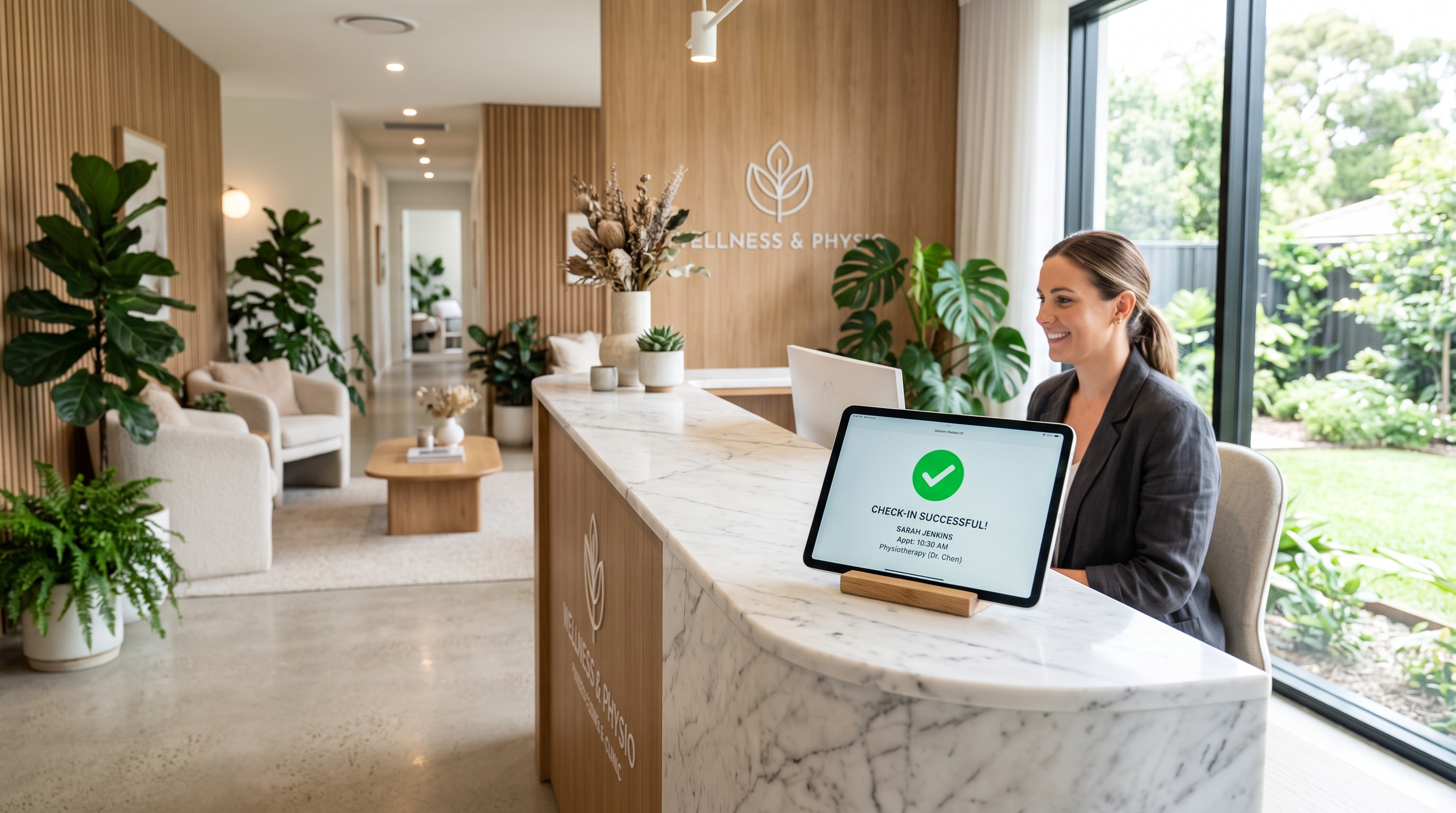
Eliminate paper clipboards, eliminate manual data entry, and systematically generate verified 5-star Google reviews on complete autopilot.
For private healthcare practices, physical therapy clinics, and psychology centers, administrative drag directly restricts patient capacity. Front-desk staff spend an average of 18 minutes per patient chasing clipboards, deciphering handwriting, and manually transcribing symptoms into EHR or CRM software.
{
[Patient Books Consultation] → [Instant Webhook Trigger via Make.com / CRM] → [Dynamic Mobile Intake Delivered via SMS/Email] ├── Submitted: CRM Updated → Doctor Clinical Brief Generated └── Unopened after 12h: Automated Friendly SMS Nudge → [Post-Session Check-Out Trigger] → [Automated 90-Minute Delay] → [Direct 5-Star Google Review Flow]
}
Step 1: Replace Physical Clipboards with Branching Mobile Forms Build responsive, mobile-first intake forms hosted directly on your secure web portal. Integrate conditional branching logic so patients only complete relevant questions:
Selecting "Self-Pay" hides insurance provider upload modules.
Selecting "No prior surgeries" skips past invasive hospital history fields, reducing intake completion time to under 3.5 minutes on mobile browsers.
Step 2: Automate Drop-Off Intake Reminders When an appointment is scheduled, trigger a Make.com or GoHighLevel automation to dispatch the intake link via SMS and email within two minutes. Set an automated conditional monitor:
Trigger: 24 hours prior to appointment.
Condition: Custom field
Intake_CompletedequalsFalse.Action: Dispatch an automated SMS: "Hi {{contact.first_name}}, to ensure your practitioner can review your file prior to arrival, please finalize your secure 3-minute intake form here: [Link]. Uncompleted forms may result in appointment delays."
Step 3: Deploy an Automated Post-Treatment Reputation Engine Search engine ranking on Google Maps requires continuous review velocity. Satisfied patients rarely leave reviews unless prompted immediately after treatment:
Create an automated trigger that fires 90 minutes after an appointment is marked "Completed" in your clinic CRM.
Dispatch an SMS: "Hi {{contact.first_name}}, thank you for visiting us today. If our team provided exceptional care, would you take 30 seconds to support our clinic with a brief Google review? [Direct Google Review Link]"
This sequence maintains a steady stream of authentic reviews that positions your practice at the top of local health searches.
Is Administrative Paperwork Holding Back Your Practice's Billable Hours?
Elevora System designs end-to-end CRM workflows, HIPAA-compliant patient intake funnels, and automated reputation systems that run hands-off.
Schedule your 30-minute discovery consultation to deploy an automated patient onboarding engine tailored to your practice.